How it all started
On January 31st, I decided to rebuild my portfolio from scratch. Not as a long-term side project, but as a short, intense build with a hard constraint: ship something real in four days.
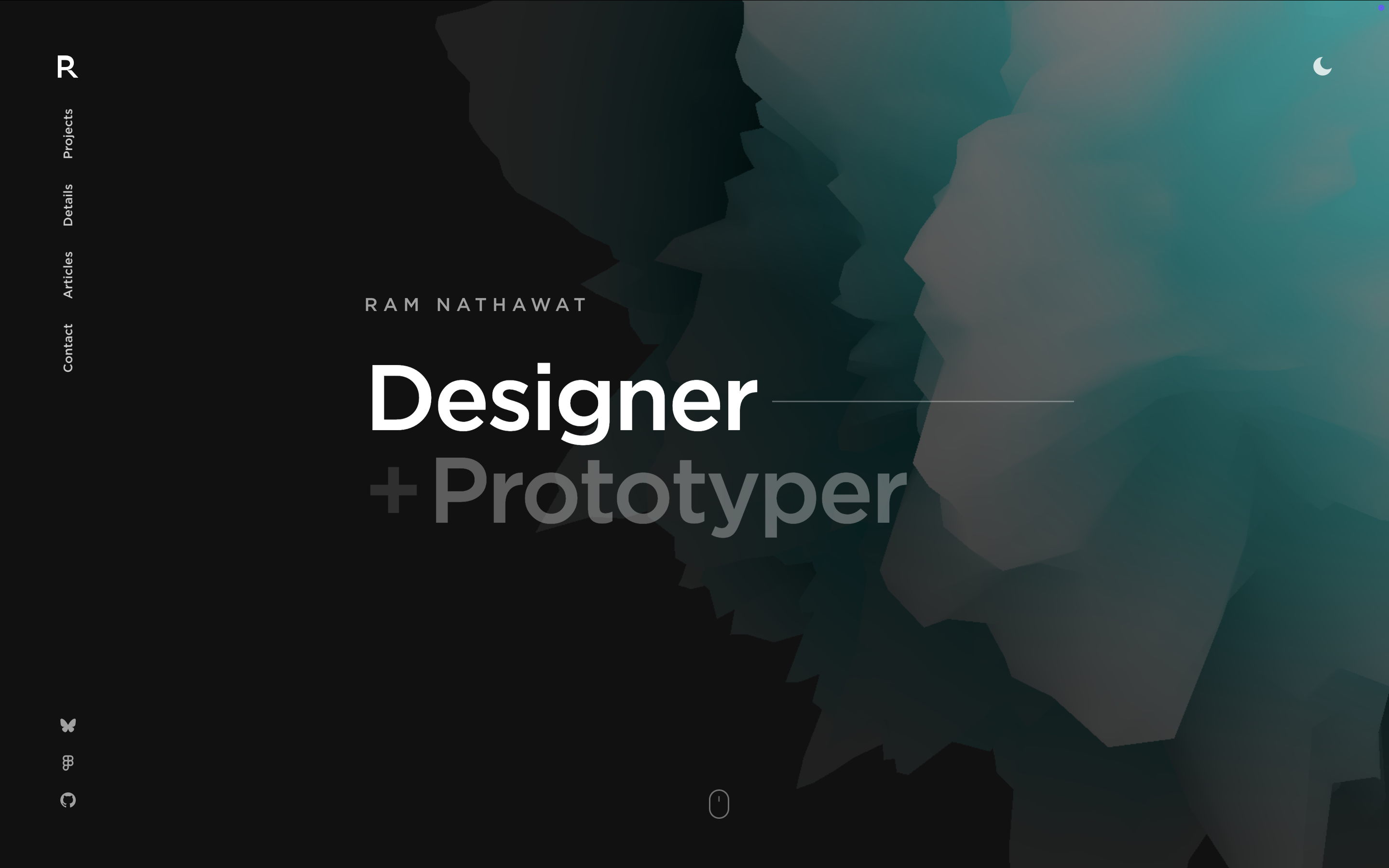
The goal wasn’t to follow trends or over-polish visuals. I wanted a site that felt tactile and interactive—something that responded directly to user input. The core idea became a scroll-driven 3D experience on the homepage. As you scroll, the scene slowly rotates and reorients itself. At specific points, interactive options appear, and on hover the lighting and colors subtly shift, creating reflections that reinforce depth and motion.
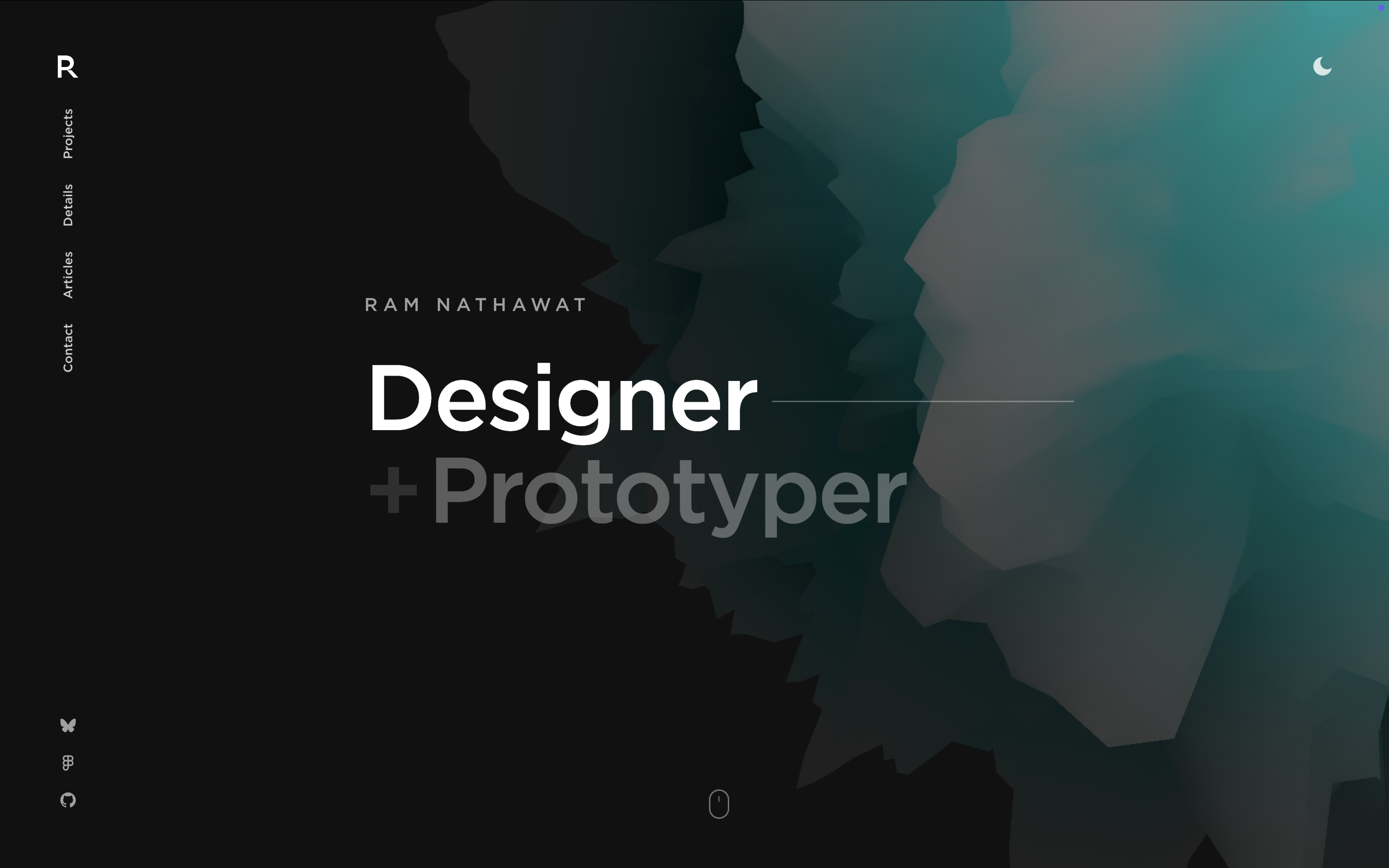
The homepage responds to scroll and pointer movement through subtle 3D microinteractions that are best experienced directly.
The entire site is intentionally minimal. Instead of filling it with content, the focus is on interaction, spatial feel, and restraint.
The first iteration
I started with a simple React setup and quickly moved to a Next.js-based structure so I could focus on components and interactions without worrying about routing or bundling details. Given the time constraint, I made a deliberate choice to avoid heavy abstractions and stick close to the fundamentals.
For the 3D work, I used Three.js with @react-three/fiber to integrate the scene directly into React. Most of the learning curve during these four days came from understanding coordinate systems, cameras, lighting, and how materials respond to light. Small adjustments—like tuning roughness, metalness, and environment lighting—made a disproportionate difference to how grounded the scene felt.
Animations are driven by scroll position and pointer events rather than pre-defined timelines. The intent was to make the site feel responsive instead of scripted.
Learning 3D for the web
Before this project, my experience with 3D on the web was minimal. Over these four days I learned:
- How to load and optimize GLTF models for real-world web performance
- How cameras, lights, and materials work together to create depth
- How to bind scroll position and pointer input to 3D transforms
- How to balance visual fidelity with performance constraints
Many of the site’s interactions are intentionally subtle and only reveal themselves through use rather than static imagery.
Everything was learned by building. Nothing lived in isolation or tutorials for long.
Not all smooth sailing
Building fast exposed problems early.
1. Performance trade-offs
Early versions of the site looked good but performed poorly. I had to simplify the scene, reduce unnecessary updates, and be intentional about when animations actually run. Performance quickly became a first-class design constraint.
2. Interaction tuning
Scroll-based 3D interactions are sensitive. Too much coupling and the scene feels jittery; too little and it feels unresponsive. A significant amount of time went into tuning these values by feel rather than theory.
3. Knowing when to stop
With only four days, scope control mattered more than ideas. Several features were deliberately cut so the core interaction could feel complete instead of stretched thin.
Looking back, and forward
This portfolio isn’t meant to be exhaustive. It’s meant to be honest.
It reflects how I approach problems, learn unfamiliar tools, and execute under tight constraints. More importantly, it proved that complex topics like 3D on the web are far easier to learn when tied to something you intend to ship.
Going forward, this site will remain a base rather than a finished product. I plan to iterate carefully—improving performance, documenting projects, and exploring deeper 3D interactions only where they add real value.
For now, shipping it was the win.